Anúncios
“Learn the best ways to protect photos and videos with passwords on your smartphone, keeping your personal media safe from prying eyes.”
Are Your Photos and Videos Really Safe?
Have you ever worried about someone accessing your personal photos and videos without permission?
In an era where smartphones store our most private memories, ensuring their security is more important than ever.
According to a recent study, 66% of people store sensitive content on their phones, but only a fraction take steps to secure it.
If your smartphone falls into the wrong hands, your cherished moments could be at risk.
In this article, you’ll learn how to:
• Use built-in tools and third-party apps to password-protect your media.
Anúncios
• Keep your private content safe from hackers and unauthorized access.
• Follow best practices to ensure the privacy of your most sensitive files.
Why Protecting Photos and Videos Is Essential
Before diving into the “how,” let’s discuss why it’s critical to secure your media with passwords:
1. Prevent Unauthorized Access
Friends, family, or even strangers who gain access to your phone could stumble upon personal or sensitive photos and videos.
Password-protecting these files ensures they stay private.
2. Protect Against Cyber Threats
Hackers often target smartphones to steal personal data.
Media files are no exception.
Encrypting and locking your files can prevent them from being accessed in a data breach.
3. Safeguard Against Device Theft
If your phone is lost or stolen, the last thing you want is someone browsing through your private content.
Password protection ensures your files remain secure even if the device is compromised.
Built-In Features for Protecting Photos and Videos
Most modern smartphones offer built-in tools to secure your media.
Here’s how you can take advantage of these features:
1. Use the “Hidden Folder” Feature
iPhone Users: Apple’s Photos app includes a “Hidden Album” feature.
To make it more secure:
• Go to Settings > Photos and toggle off “Show Hidden Album.”
• Use Face ID or a password to protect your hidden files.
Android Users: Many Android devices, such as Samsung, offer a “Secure Folder” option:
• Navigate to Settings > Biometrics and Security > Secure Folder.
• Set up a PIN, password, or biometric lock.
2. Enable Encryption
Encrypting your device ensures that all data, including photos and videos, is scrambled and only accessible with a password or PIN.
Most devices enable encryption by default, but you can verify it:
• On Android: Settings > Security > Encrypt Phone.
• On iPhone: Encryption is automatic if you use a passcode.
Third-Party Apps for Additional Protection
If built-in features aren’t enough, several third-party apps can enhance your media security:
1. Best Apps for Password-Protecting Media
Keepsafe Photo Vault:
• Features: PIN or fingerprint protection, cloud backup, and break-in alerts.
• Ideal For: Users who want a clean, user-friendly interface.
LockMyPix Photo Vault:
• Features: Military-grade encryption, fake logins to deceive intruders.
• Ideal For: Android users needing advanced customization.
Private Photo Vault:
• Features: Password-protected albums, slideshow functionality.
• Ideal For: Those who want an app tailored for private viewing.
2. Steps to Set Up a Third-Party App
1. Download the app from a trusted source, such as the Google Play Store or Apple App Store.
2. Set up a master password or PIN during the app’s initial configuration.
3. Import photos and videos into the app’s secure vault.
4. Delete the originals from your phone’s gallery to ensure no duplicates remain unsecured.
Practical Tips for Strengthening Media Security
In addition to password-protecting your photos and videos, consider these tips to maximize security:
1. Use Strong Passwords
Avoid simple combinations like “1234” or “password.” Instead, opt for a mix of:
• Upper and lowercase letters.
• Numbers and special characters.
• A minimum of 8-12 characters.
2. Enable Two-Factor Authentication (2FA)
For apps or cloud services where your media is stored, enable 2FA.
This adds an extra layer of security by requiring a second form of verification, such as a code sent to your phone.
3. Regularly Update Your Device
Outdated software can contain security vulnerabilities.
Make sure your phone’s operating system and apps are always up to date.
4. Avoid Public Wi-Fi for Sensitive Transfers
Transferring files over unsecured networks increases the risk of interception.
Use a secure, private Wi-Fi connection or mobile data instead.
Case Study: How Password Protection Prevented a Privacy Breach
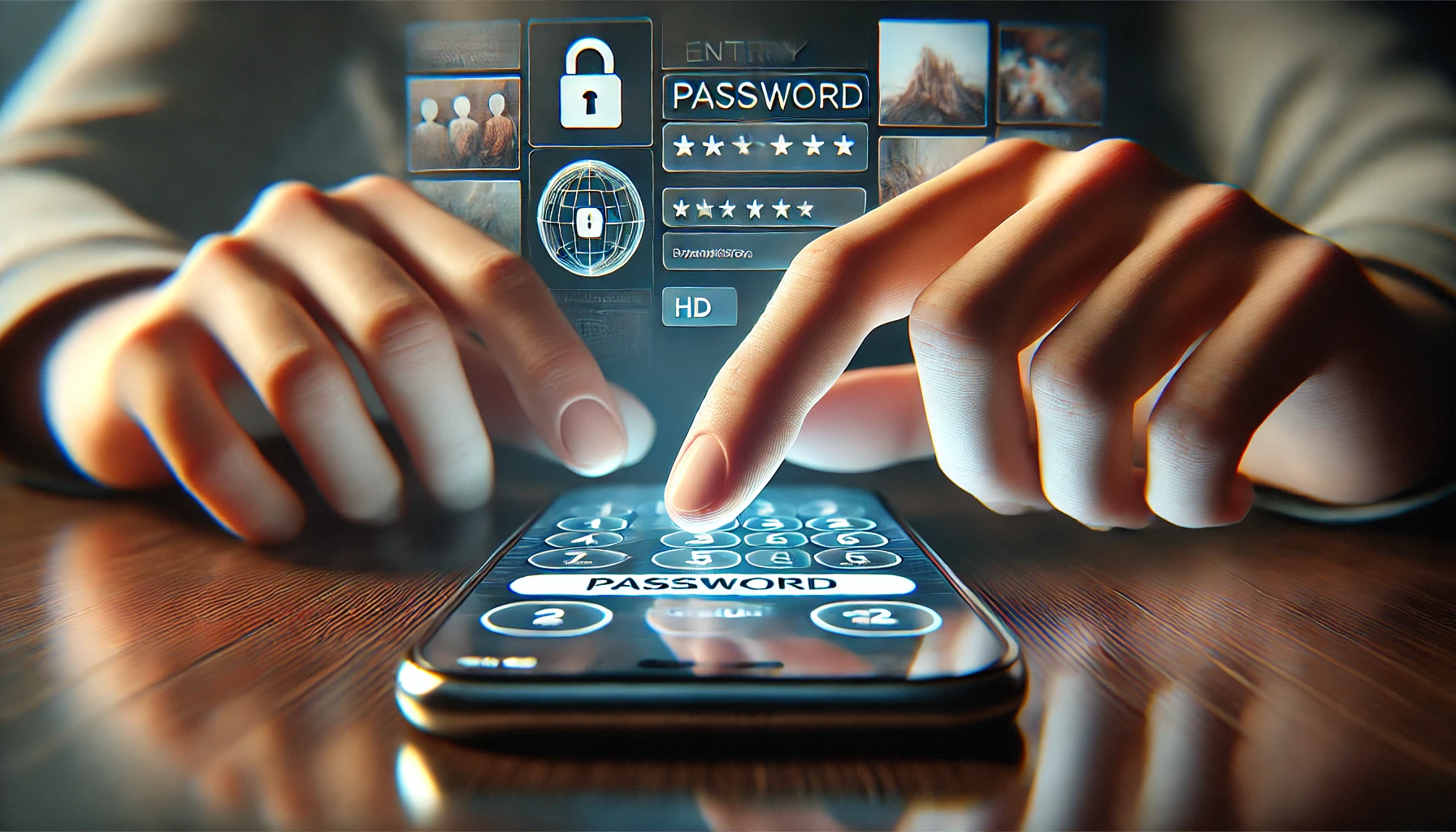
Imagine this: A user accidentally left their phone at a coffee shop.
Although the device was unlocked, their sensitive photos were stored in an app like Keepsafe Photo Vault.
Even when someone tried to access the gallery, the protected files remained hidden.
This scenario highlights the importance of having multiple layers of protection for your personal files.
Comparison Table: Built-In Features vs. Third-Party Apps
| Feature | Built-In Tools | Third-Party Apps |
|---|---|---|
| Cost | Free | Free or Paid |
| Ease of Use | Simple, pre-installed | Requires download and setup |
| Customization | Limited | Highly customizable |
| Security Level | Moderate | High (e.g., military-grade encryption) |
FAQs: Your Questions Answered
1. Can I Protect Just One Album on My Phone?
Yes, many apps like Keepsafe Photo Vault and the Secure Folder on Android allow you to lock specific albums.
2. Are Password Protection Apps Safe?
Yes, as long as you download them from trusted sources like the Google Play Store or App Store.
Avoid sideloading apps from unknown websites.
3. What Happens If I Forget My Password?
Most apps offer recovery options, such as resetting your password via email.
However, for highly secure apps, forgetting your password may result in permanent file loss.
Summary of Benefits
• Prevent unauthorized access to your personal photos and videos.
• Reduce the risk of data breaches and privacy violations.
• Easily manage and secure sensitive content with built-in or third-party tools.
Ready to protect your private memories?
Start by enabling your phone’s built-in security features or explore apps like Keepsafe and LockMyPix.
Don’t wait until it’s too late — secure your photos and videos today!
Related Topics
• Best Apps for Managing Digital Privacy
• How to Back Up Your Photos and Videos Safely
• Protecting Your Smartphone from Hackers
• Top Password Management Tools for Mobile Users
• Tips for Encrypting Files on Your Phone